
Brooks County Search Starts With Court
Brooks County has no public sheriff warrant roster or single statewide public warrant search. The county’s e-services link is a case and citation entry point. It may help with a known court file, but the text capture did not show stable search labels or a complete warrant index.
Use the citation, notice, or cause number to identify the court first. A Falfurrias ticket, JP citation, County Court misdemeanor, and 79th District Court felony do not share one clerk or one public index.
The county’s case-search landing page is the official online lead.
Brooks County public e-services
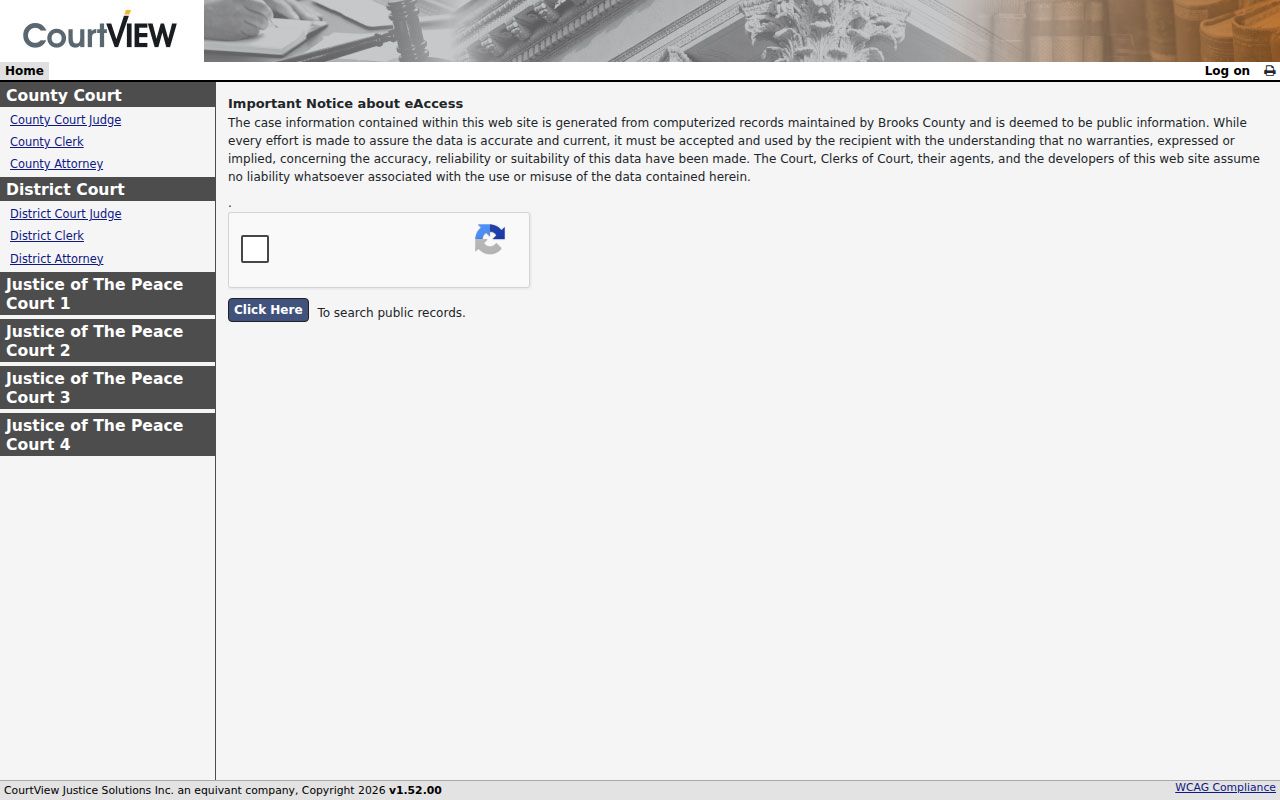
The portal requires a browser session, so field names should be read from the live page rather than guessed.
How to Search for a Warrant in Brooks County
Start with the court named on the citation or case paper. Use county e-services for a known case, then contact the clerk when the result does not show a current process status. Keep the exact case number, court name, and missed date nearby.
Do not send a full driver-license number or other private detail through an unverified form. Ask the official office what identifier it needs and how to provide it safely.
- Use the citation, cause number, notice, or court name to identify the likely case level.
- Open the county e-services link; exact fields and status columns were not stable in the text capture.
- Call JP1 or JP2 for a justice-court matter, or Falfurrias Municipal Court for a city case.
- Contact the County Clerk for county-court files or District Clerk for felony and district searches.
- Ask the sheriff for service routing, and use a narrow written request when an existing record is not posted.
Brooks County Search Interface Limits
The official County Clerk and JP2 pages mention case, citation, and driver-license identifiers. The public interface itself did not expose dependable labels, required fields, or a court filter in the research capture. Treat the table as a record of what county pages say, not as a promise about the live form.
| Field Label | Type | Required | Notes |
|---|---|---|---|
| Case / cause number | Text | Unknown | JP pages tell users to contact the court if they lack this number. |
| Citation number | Text | Unknown | Named by county court pages; exact portal label was not captured. |
| Driver-license number | Text | Unknown | Listed as a possible search identifier; do not share through an unverified form. |
| Name or birth date | Not confirmed | Unknown | No stable field capture supports a name or date-of-birth claim. |
| Court / precinct | Not confirmed | Unknown | Ask the clerk which court’s data appears in the result. |
Brooks County Warrant Search Fields
County pages identify several useful case identifiers, but they do not publish a field dictionary. A common-name match should be checked against the court, citation, and case number. Do not assume the site can narrow results by birth date or a warrant number.
| Field Label | Type | Required | Notes |
|---|---|---|---|
| Case / cause number | Text | Unknown | Use the identifier printed on the court paper. |
| Citation number | Text | Unknown | JP2 says case and citation searching is available; exact labels were not captured. |
| Driver-license number | Text | Unknown | County pages mention it as an option; ask the court before entering it. |
| Name / birth date | Unverified | Unknown | The live interface did not confirm either field or a match rule. |
| Court / precinct | Unverified | Unknown | Confirm that a result belongs to the issuing court. |
Brooks County Results Need a Second Look
Local cause and citation number formats were not published, and no live warrant result was opened. A public docket can show a warrant event without showing the latest service or recall status. Ask the clerk for the issuing court, process type, issue date, return or recall date, and current action required.
Do not treat a balance as proof of an active warrant, or a missing event as proof that no process exists. A recent payment may not yet be posted. Ask when the docket changed and whether another agency needs a separate update.
The County Clerk links the same e-services system for public county records.
Brooks County Clerk public-search page
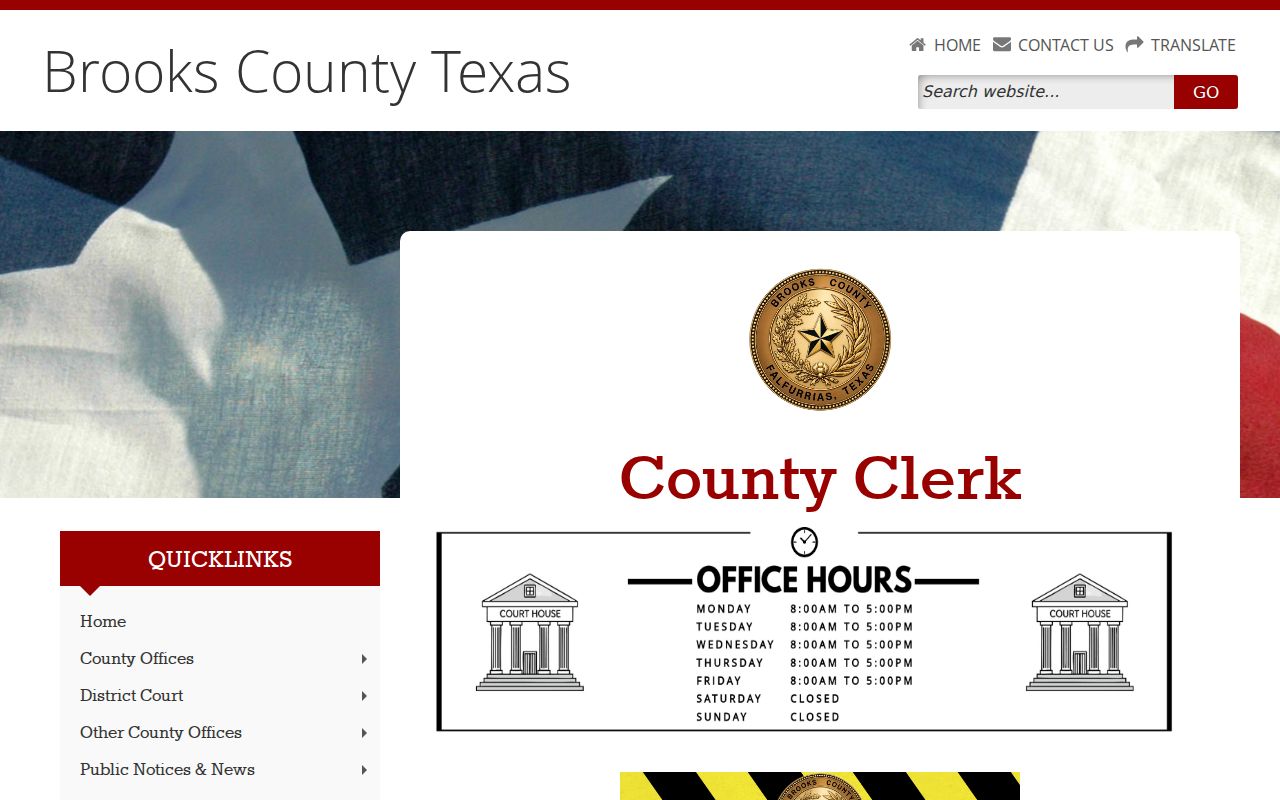
Its advertised search covers several record types, not a single warrant-only database.
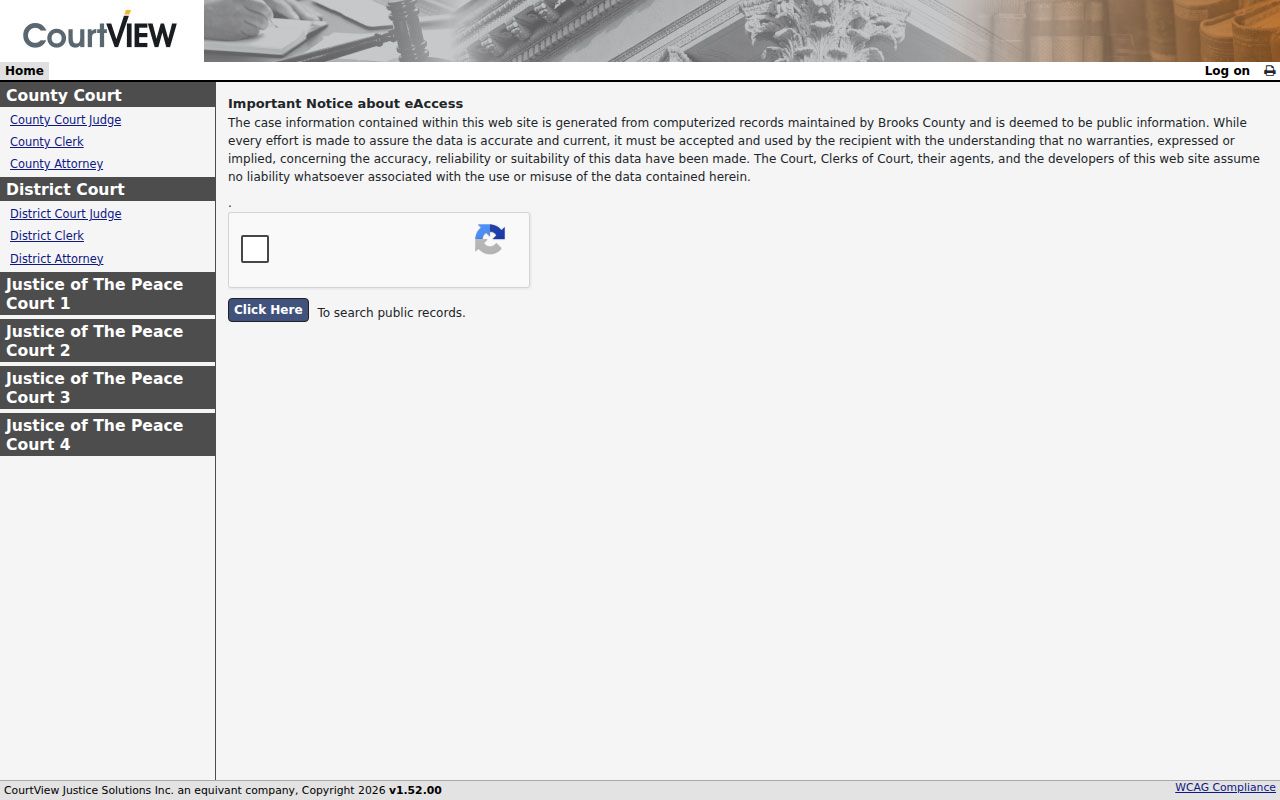
The public case and citation search is an entry point; confirm warrant status with the court that holds the case.
What a Brooks County Warrant Search Returns
Brooks County has no published sample result layout. Justice and municipal dockets can include a file number, offense, complaint date, plea, warrant issue and return dates, and later case events. A public portal may expose only part of that record.
| Number format | Not published Brooks County did not publish a sample warrant number format. |
|---|---|
| Charge / offense | Check the docket or citation and ask the clerk to read the court’s label. |
| Issuing court | Confirm whether the file belongs to JP1, JP2, municipal, County, or District Court. |
| Issue / return | Request the issue date and any service, return, recall, or quash entry. |
| Status | The local status terms are not published; get a current answer from the issuing clerk. |
JP Cases Follow Their Own Search Route
JP1 and JP2 publish separate forms, payment links, and phone extensions. JP2 also links county e-services. A JP1 page says former Precincts 3 and 4 joined current Precinct 1 in 2023, while an older county page still carries a JP3 heading. Confirm the current precinct before using a payment link.
For JP1, ask whether the citation is in the current precinct and whether an FTA or capias pro fine appears. For JP2, use the court’s published contact if the citation or license identifier is missing. The court, not a payment vendor, states whether an appearance is still required.
Where Brooks County Warrants Are Checked
Use JP1 or JP2 for a justice-court citation, Falfurrias Municipal Court for a city traffic or ordinance file, County Clerk for a county-level misdemeanor, and District Clerk for felony records. The sheriff’s public page is a contact directory without a dedicated warrant line or list.
Texas has no single public statewide active-warrant search. DPS and OmniBase address reported failure-to-appear or failure-to-pay compliance that can affect license renewal; DPS says its staff cannot access warrant information. Federal matters use a separate court and docket.
Falfurrias Tickets Stay With City Court
The municipal court handles traffic tickets issued by Falfurrias Police and DPS, city Class C cases, ordinances, and code enforcement. Its official page gives a phone and payment route, but no searchable warrant form or public list. Police records staff handle incident reports, not the court’s ticket docket.
If the citation is from the city, call the Municipal Court before relying on county e-services. The court’s current physical address and payment address are listed separately; verify the location before going in.
The city court page describes its traffic jurisdiction and contact path.
Access and Restricted Warrants
A written Texas Public Information Act request can seek an existing record from the correct Brooks office. A law-enforcement exception may cover active investigative material. Juvenile arrest warrants and supporting affidavits are confidential under Family Code §58.010. A search-warrant file follows different access rules from an arrest-warrant inquiry.
Key Rules:
Sealed or protected records may not appear in public search results; ask the clerk what access rule applies.
Texas Family Code §58.010 protects juvenile arrest-warrant materials from ordinary public access.
A missing result in one court does not rule out a recent, restricted, municipal, federal, or differently indexed record.